Custom ERP vs Off-the-Shelf ERP: Odoo, NetSuite and SAP B1

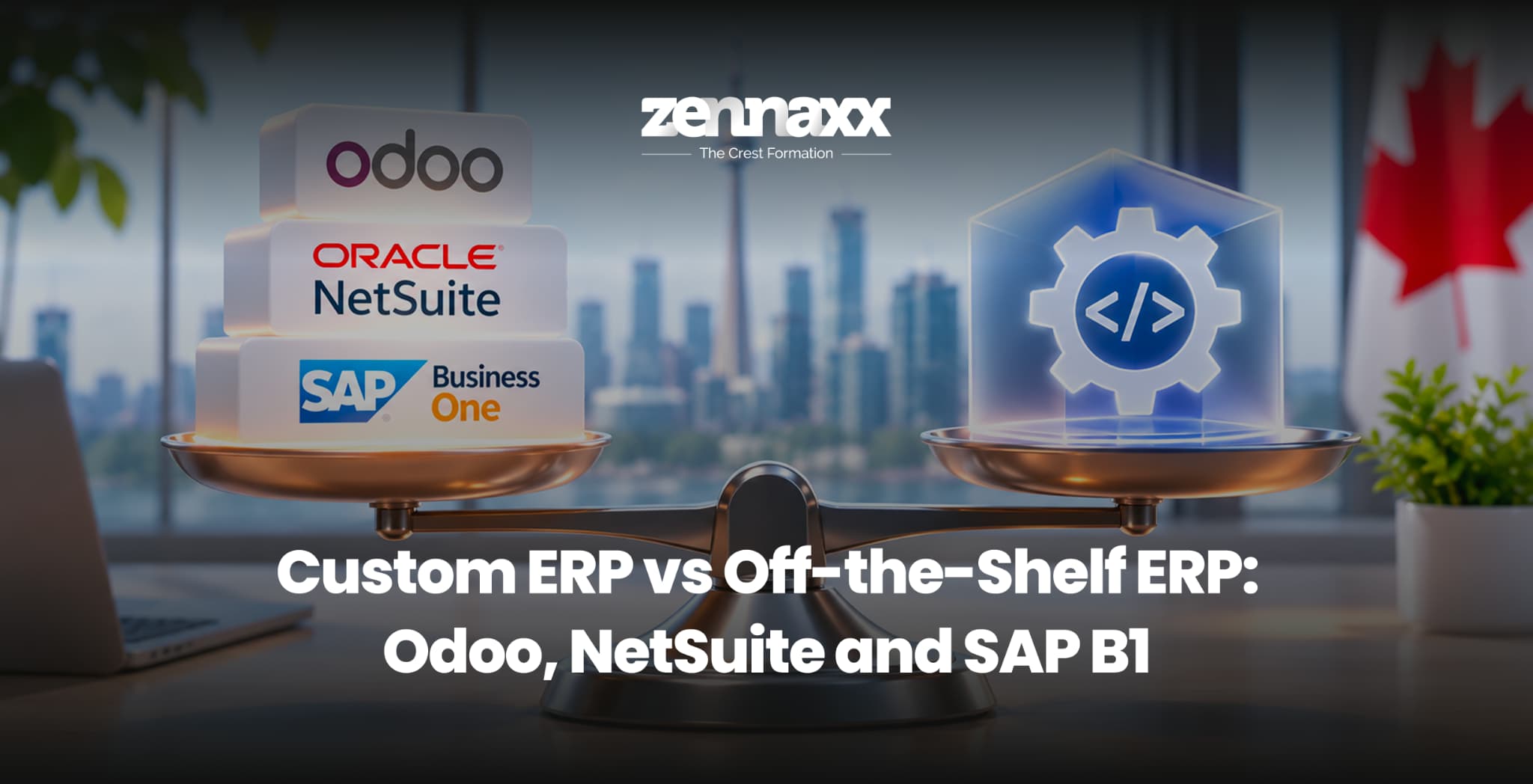
Custom ERP vs off-the-shelf ERP is one of the biggest technology decisions a growing business will ever make. Your ERP (enterprise resource planning) system runs your finances, inventory, purchasing, production, sales, and reporting. Choose well, and every department works from the same data. Choose poorly, and you spend years paying for features you never use, building workarounds, or fighting software that does not match how your business really runs.
Most businesses start by comparing the big names: Odoo, Oracle NetSuite, and SAP Business One. They are proven platforms, but they are not the only option. A custom ERP, built around your exact processes, is now a realistic choice for small and mid-sized companies too.
This guide breaks down how each option works, what it really costs, where each one shines, and how to decide which path fits your business, with a special focus on companies operating in Canada.
What Is the Difference Between Custom ERP and Off-the-Shelf ERP?
The custom ERP vs off-the-shelf ERP debate comes down to one question: do you change your business to fit the software, or build software that fits your business?
Off-the-Shelf ERP
Off-the-shelf ERP is ready-made software sold by a vendor. You buy licences or a subscription, configure the modules you need, and adapt your processes to the system. Odoo, NetSuite, and SAP Business One all fall into this category.
- Pros: Faster to start, proven features, vendor support, regular updates
- Cons: Ongoing licence fees, limited flexibility, paying for unused features, vendor lock-in
Custom ERP
A custom ERP is designed and built specifically for your company. Every workflow, screen, report, and integration is shaped around how your team already works.
- Pros: Perfect process fit, no per-user licence fees, full ownership, unlimited integration options
- Cons: Higher upfront investment, longer initial build, needs a reliable development partner
This is the heart of the build vs buy ERP decision. Neither option is right for everyone, which is why it helps to look closely at the three most popular platforms first.
Odoo, NetSuite and SAP Business One at a Glance
Odoo
Odoo is an open-source, modular ERP. It offers a free Community edition and paid Enterprise plans with apps for accounting, inventory, CRM, manufacturing, eCommerce, HR, and more. Businesses can start with one or two apps and add more over time. It can run on Odoo’s cloud, on Odoo.sh, or on your own servers.
Best for: Small and mid-sized businesses that want broad features at a lower licence cost and flexibility to customize.
Oracle NetSuite
NetSuite is a fully cloud-based ERP owned by Oracle. It is known for strong financial management, multi-entity and multi-currency support, and robust reporting. It is cloud-only, with no on-premise option.
Best for: Finance-led companies with multiple entities, subsidiaries, or international operations.
SAP Business One
SAP Business One is SAP’s ERP for small and mid-sized businesses. It focuses on financials, inventory, purchasing, and production, and can be deployed on-premise or in the cloud through SAP partners.
Best for: Manufacturers and distributors that want structured processes and a path into the wider SAP ecosystem.
Custom ERP vs Off-the-Shelf ERP – Odoo, NetSuite and SAP Business One: Side-by-Side Comparison
| Factor | Custom ERP | Odoo | NetSuite | SAP Business One |
| Pricing model | One-time build + maintenance | Per user/month (Community free) | Annual subscription, quote-based | Perpetual licence or subscription, quote-based |
| Licence fees | None | Yes | Yes | Yes |
| Process fit | 100% tailored | High with customization | Moderate | Moderate |
| Deployment | Cloud, on-premise, or hybrid | Cloud, Odoo.sh, or self-hosted | Cloud only | On-premise or partner cloud |
| Customization | Unlimited | High (open source, Python) | Moderate (SuiteScript) | Moderate (SDK, add-ons) |
| Multi-entity finance | Built as needed | Good | Excellent | Good |
| Manufacturing | Built for your exact workflow | Strong MRP | Moderate | Strong |
| Data ownership | Full | High (self-hosted) | Vendor cloud | Depends on deployment |
| Typical go-live | 4 – 12 months | 2 – 9 months | 3 – 12 months | 6 – 12 months |
| Best for | Unique processes and long-term scale | Cost-conscious SMEs | Multi-entity finance teams | Structured manufacturing and distribution |
How Much Does Each ERP Really Cost?
Licence fees are only part of the story. Smart buyers look at total cost of ownership (TCO): licences, implementation, customization, training, integrations, hosting, support, and upgrades over at least five years.
Odoo Pricing
Odoo publishes its pricing openly. The Community edition is free to use but self-hosted with no official support. Paid plans are charged per user, per month, with prices that vary by country and plan. The Standard plan covers all apps on Odoo’s cloud, while the Custom plan adds Odoo Studio, multi-company, and custom code. Check the official Odoo pricing page for your region. Implementation by an Odoo partner usually adds a significant one-time cost, especially when custom modules are needed.
NetSuite Pricing
NetSuite does not publish list prices. Costs are quoted based on a base licence, number of users, modules, and service tier. For SMEs, annual subscriptions often start in the tens of thousands of dollars, and implementation can cost as much as or more than the first year’s licence. Add-on modules for advanced inventory, manufacturing, or HR increase the price further.
SAP Business One Pricing
SAP Business One is sold through SAP partners as either a perpetual licence per named user or a subscription. Perpetual licences come with annual maintenance fees, usually a percentage of the licence cost. Implementation, hosting, and add-ons are quoted separately by the partner.
Custom ERP Pricing
A custom ERP has no per-user licence fees. You pay for design, development, testing, and deployment, followed by ongoing maintenance and hosting.
| Custom ERP Scope | Estimated Cost (CAD) | Typical Timeline |
| MVP (2 – 3 core modules) | $60,000 – $120,000 | 3 – 5 months |
| Mid-size ERP (5 – 8 modules, integrations) | $120,000 – $250,000 | 5 – 9 months |
| Enterprise-grade ERP (multi-entity, AI, advanced analytics) | $250,000 – $500,000+ | 9 – 14 months |
These figures are typical market estimates. For a detailed breakdown, read our guide to custom ERP development cost in Canada.
Why TCO Often Favours Custom ERP Over Time
With off-the-shelf ERP, costs grow every time you add a user, module, or entity. With a custom ERP, adding 50 more users does not add 50 more licences. For companies with large or growing teams, a custom system often becomes the more affordable option within three to five years.
Odoo vs Custom ERP: Which One Should You Choose?
Odoo vs custom ERP is one of the most common comparisons, because Odoo is already flexible and affordable.
Choose Odoo If
- Your processes are fairly standard for your industry
- You want to launch quickly with a limited budget
- You are happy to adapt some workflows to fit the software
- Your team size is small and stable
Choose Custom ERP If
- Heavy Odoo customization is starting to break during version upgrades
- Your core workflows give you a competitive edge and should not be compromised
- Per-user costs are climbing as your team grows
- You need deep integrations with legacy systems, IoT devices, or industry tools
Many businesses actually start on Odoo and move to a custom ERP once their processes outgrow standard modules.
NetSuite Alternatives for SMEs
NetSuite is powerful, but many small and mid-sized companies find it expensive, especially once add-ons and implementations are included. That is why searches for NetSuite alternatives for SMEs keep growing.
The main alternatives include:
- Odoo: Lower licence costs and broad modules for SMEs
- SAP Business One: Strong for manufacturing and distribution
- Microsoft Dynamics 365 Business Central: A good fit for companies already using Microsoft 365
- Custom ERP: Best when you want full control, no licence fees, and a system built around your workflows
If you mainly need strong multi-entity accounting, NetSuite may still be worth the price. If your needs are operational, such as production, field service, or industry-specific workflows, a custom ERP or Odoo often gives better value.
Feature-by-Feature Breakdown
Finance and Accounting
NetSuite leads in multi-entity consolidation and revenue recognition. SAP Business One and Odoo offer solid accounting for most SMEs. A custom ERP can include exactly the financial workflows you need, such as Canadian GST/HST, PST, and QST handling, multi-currency, and custom approval chains.
Inventory and Supply Chain
Odoo and SAP Business One both offer strong inventory and warehouse features. NetSuite covers inventory well but charges extra for advanced capabilities. A custom ERP can add barcode scanning, serial and lot tracking, multi-warehouse logic, and supplier portals built exactly for your operations.
Manufacturing
SAP Business One and Odoo both include MRP and bill-of-materials tools. Manufacturers with unique production flows often find these modules restrictive. That is why many companies choose ERP software for manufacturing SMEs that is custom-built around real shop-floor processes, machine data, and quality checks.
CRM and Sales
Odoo includes a built-in CRM. NetSuite and SAP Business One offer CRM features, but many businesses still connect them to tools like Salesforce. If you are weighing similar options for customer management, our guide on Salesforce vs custom CRM explains the trade-offs.
Reporting and Analytics
All three platforms provide dashboards and reports. A custom ERP lets you build real-time dashboards for the exact KPIs your leadership team tracks, along with AI-powered ERP features like demand forecasting, anomaly detection, and smart reorder suggestions.
When Off-the-Shelf ERP Makes Sense
A ready-made platform is often the smarter choice when:
- Your processes match common industry practices
- You need to go live quickly
- Your budget is limited and your team is small
- You prefer the vendor to handle hosting, security, and upgrades
- You do not need deep integrations with specialized tools
In these cases, Odoo, NetSuite, or SAP Business One can deliver strong value with lower upfront risk.
When Custom ERP Is the Better Investment
A custom system pays off when:
- Your workflows are unique or give you a competitive advantage
- Off-the-shelf ERP needs so many customizations that upgrades become painful
- Licence fees are rising faster than your revenue
- You need to connect many systems, such as eCommerce, IoT devices, logistics platforms, and legacy software
- You want full control over data, hosting, and future features
- You are planning ERP modernization as part of a wider digital transformation
Modern development also makes custom ERP more affordable than it used to be. A composable ERP approach lets you build core modules first, connect best-of-breed tools through APIs, and add features in phases instead of building everything at once.
Choosing an ERP System in Canada: What to Consider
If you are selecting an ERP system Canada businesses can rely on, a few local requirements should be on your checklist:
- Sales tax handling: GST, HST, PST, and QST rules differ by province
- Canadian payroll: Some global platforms need third-party tools or localization add-ons for Canadian payroll
- Bilingual support: French-language interfaces and documents are essential for Quebec operations
- Data privacy and residency: PIPEDA and provincial privacy laws affect how customer and employee data is stored and shared, and many companies prefer Canadian cloud hosting
- Currency and cross-border trade: CAD and USD handling, plus customs and duty tracking for US trade
- Local support: Time zone alignment and access to experienced partners
Working with ERP software companies in Canada that understand these requirements helps you avoid costly localization gaps later.
How to Decide: A Simple Build vs Buy Framework
Use these questions to guide your choice:
- How unique are your processes? Standard processes lean toward off-the-shelf. Unique processes lean toward custom.
- How many users will you have in five years? Fast-growing teams often save more with custom ERP.
- How many systems must connect? Heavy integration needs favour custom development.
- What is your timeline? If you must go live in weeks, a ready-made platform is faster.
- What is your five-year TCO? Compare licences, implementation, customization, and support side by side.
- Who owns the roadmap? With custom ERP, you decide what gets built next, not the vendor.
A hybrid approach is also popular: keep a ready-made platform for accounting and build custom modules for operations, manufacturing, or customer portals.
Common ERP Mistakes to Avoid
- Automating broken processes: Fix and document workflows before choosing software.
- Underestimating implementation: Data migration, training, and testing often cost more than licences.
- Over-customizing off-the-shelf ERP: Heavy changes can break during upgrades and lock you into expensive consultants.
- Ignoring user adoption: If your team finds the system confusing, they will go back to spreadsheets.
- Choosing on price alone: The cheapest option today can become the most expensive over five years.
Why Choose Zennaxx for Custom ERP Development
Zennaxx is an experienced ERP software development company that helps growing businesses replace rigid systems and spreadsheets with ERP software built around how they actually work.
Our custom ERP software development services include:
- Business process analysis and ERP roadmap planning
- Custom modules for finance, inventory, manufacturing, procurement, HR, and sales
- Integrations with eCommerce, CRM, accounting, logistics, and IoT systems
- Migration from Odoo, NetSuite, SAP Business One, QuickBooks, or legacy software
- Cloud ERP or on-premise deployment, including Canadian hosting
- AI-powered analytics, forecasting, and automation
- Ongoing support, maintenance, and feature upgrades
Whether you want to replace an off-the-shelf platform, extend it with custom modules, or build a complete ERP from scratch, our team helps you make the right decision and deliver it with confidence.
Final Thoughts
Odoo, NetSuite, and SAP Business One are strong platforms, and each has a clear sweet spot. Odoo offers flexibility at a lower cost, NetSuite excels at multi-entity finance, and SAP Business One brings structure to manufacturing and distribution. A custom ERP, on the other hand, gives you a system that fits your business perfectly, with no licence fees and complete control over your future roadmap.
The right answer to custom ERP vs off-the-shelf ERP depends on your processes, growth plans, integrations, and five-year budget. Ready to find the best fit for your business? Talk to the Zennaxx team today for a free ERP consultation and get a clear plan for your custom ERP vs off-the-shelf ERP decision.
Frequently Asked Questions
Is custom ERP better than off-the-shelf ERP?
It depends on your needs. Custom ERP is better for unique processes, heavy integrations, and growing teams. Off-the-shelf ERP is better for standard processes, smaller budgets, and faster launches.
Is Odoo cheaper than NetSuite and SAP Business One?
Usually, yes. Odoo publishes lower per-user pricing and offers a free Community edition, while NetSuite and SAP Business One are quote-based and often cost more once implementation and add-ons are included.
How much does a custom ERP cost in Canada?
Most custom ERP projects cost between CAD $60,000 and $500,000+, depending on modules, integrations, users, and complexity. A focused MVP sits at the lower end.
How long does it take to build a custom ERP?
An MVP with core modules usually takes 3 to 5 months. A full-featured ERP with integrations and advanced analytics can take 9 to 14 months.
Can I migrate from Odoo, NetSuite, or SAP Business One to a custom ERP?
Yes. Data such as customers, products, inventory, transactions, and financial records can be migrated to a custom ERP with careful planning, testing, and a phased rollout.